

Fresh Sips on repeat
Backroads Coffee Subscriptions
Enjoy handcrafted Backroads Coffee roasted fresh and delivered right to your door. Just tell us how often you want your coffee and get your favorite fresh sips on schedule so you never miss another.
Already subscribed and need to make changes? We make it easy! Open your subscription portal via the button below.
How it Works


Frequently Asked Questions
How do I create a coffee subscription?
Making a Coffee Subscription is easy; it can be done while browsing on a coffee product page, on the Subscriptions category page, or while reviewing items in the shopping cart. To subscribe, simply select the Coffee Subscription option for your desired Coffee, select your preferred grind and shipment frequency, then check out as normal.
What happens after I create a subscription?
After you join the Coffee Subscription service, you will receive an email confirming your subscription. This email will include a link to access 'My Backroads Coffee Coffee Subscriptions' where you can manage your future orders, Coffee Subscription items and Coffee Subscription account information.
We will place your Coffee Subscription orders automatically according to your selected frequency, and you will only be billed on the day the order is shipped. You will also receive email notifications regarding other important information related to your Coffee Subscription account, such as if your product is discontinued, if you cancel your subscription, or confirmation when an order is placed successfully.
How do I make changes to my coffee subscription?
Our subscription portal makes changing your coffee subscription simple! Visit our "Manage Your Subscription" page to learn more.
-
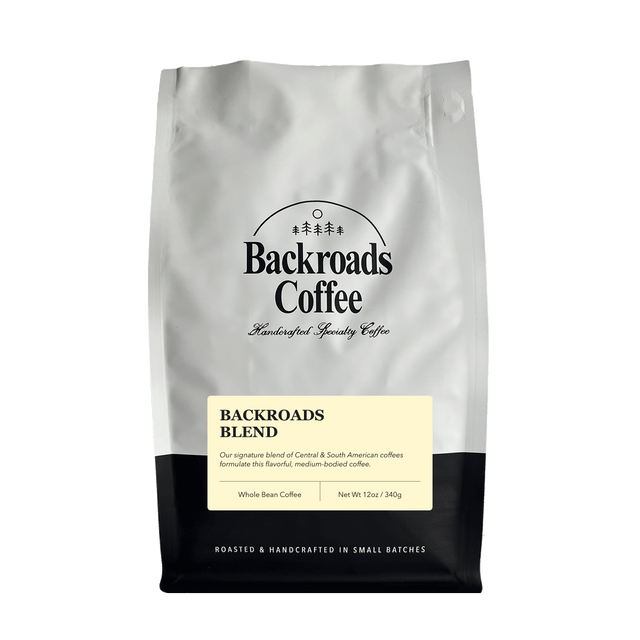 $15.95( / )
 -
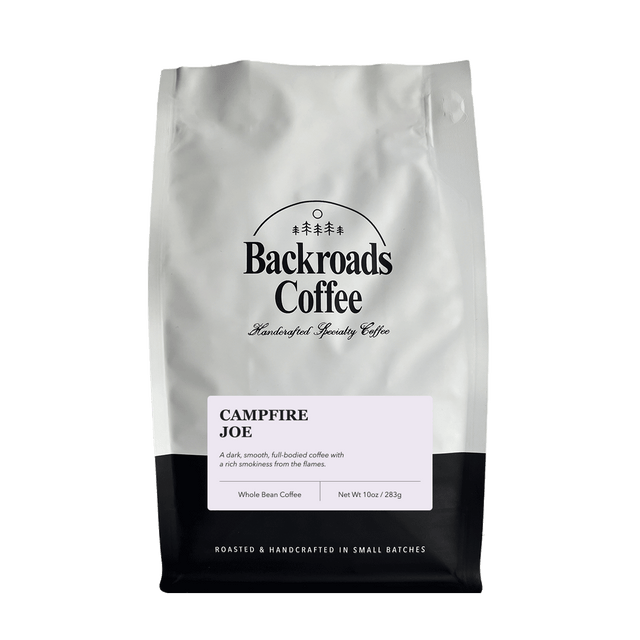 $15.00( / )
 -
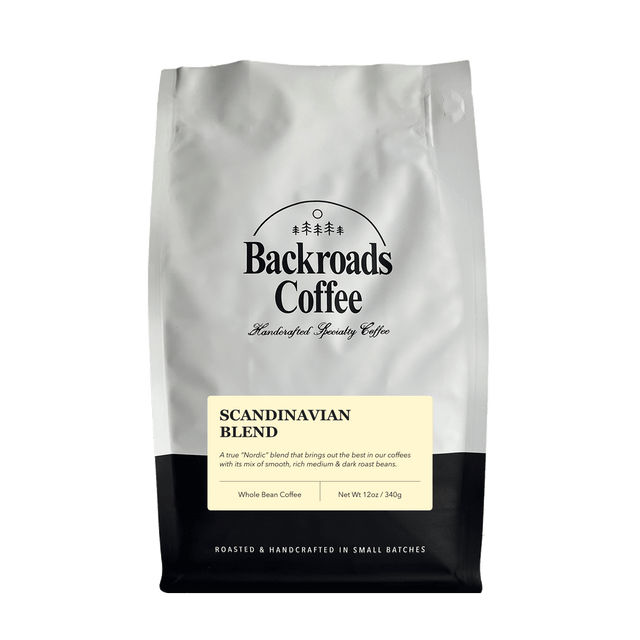 $15.95( / )
 -
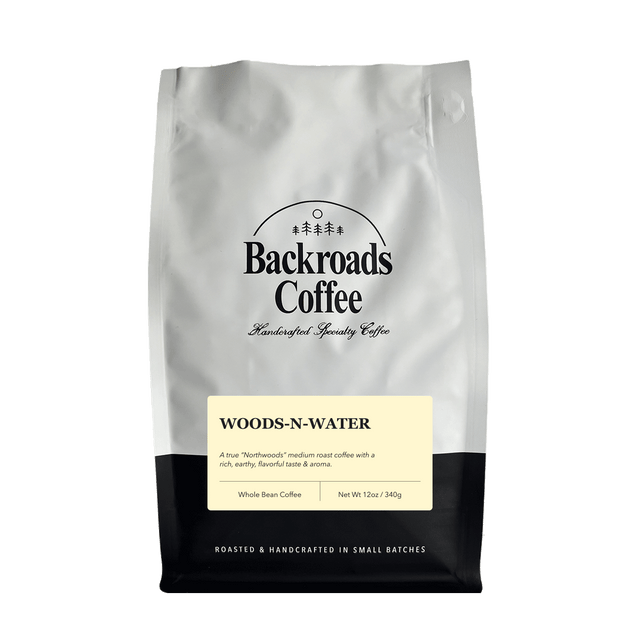 $15.95( / )
 -
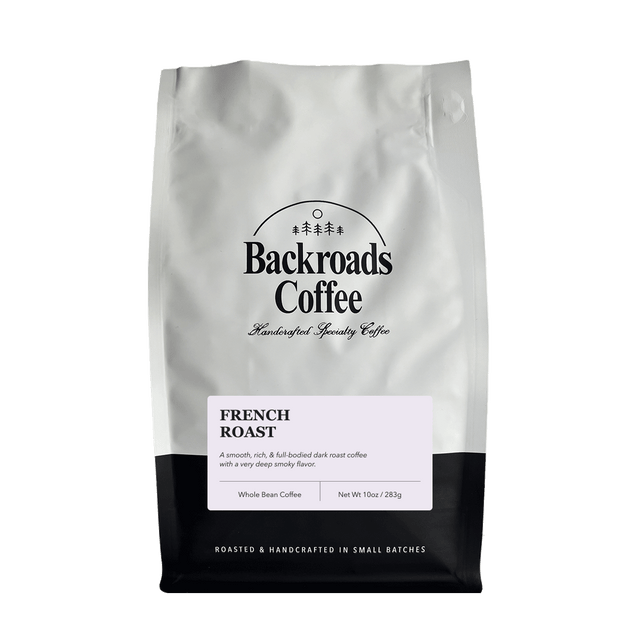 $15.00( / )
 -
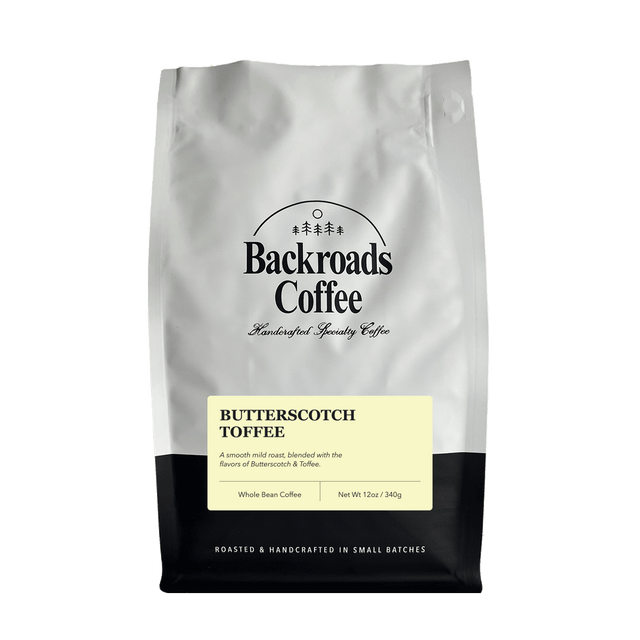 $16.00( / )
 -
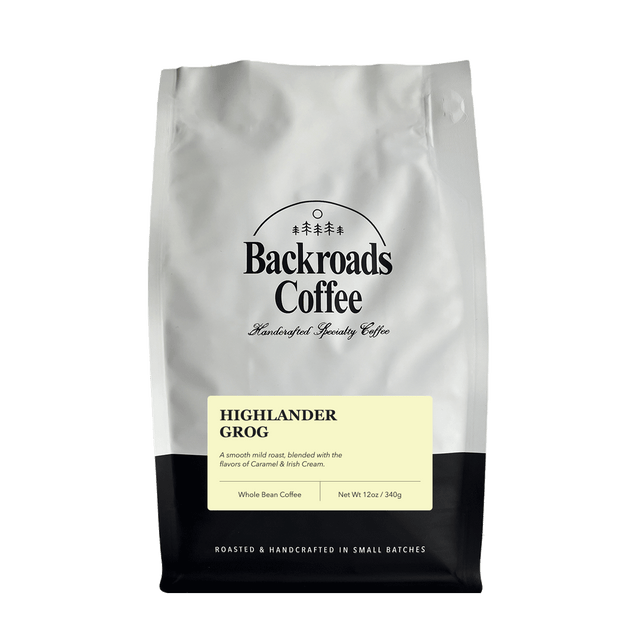 $16.00( / )
 -
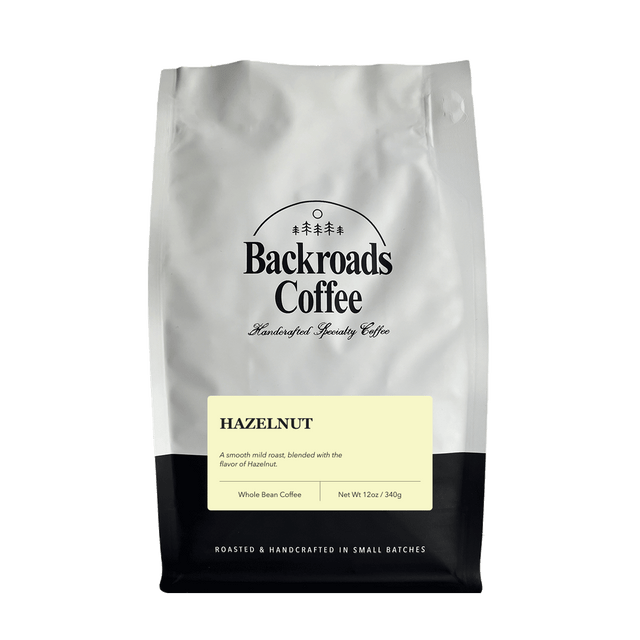 $16.00( / )
 -
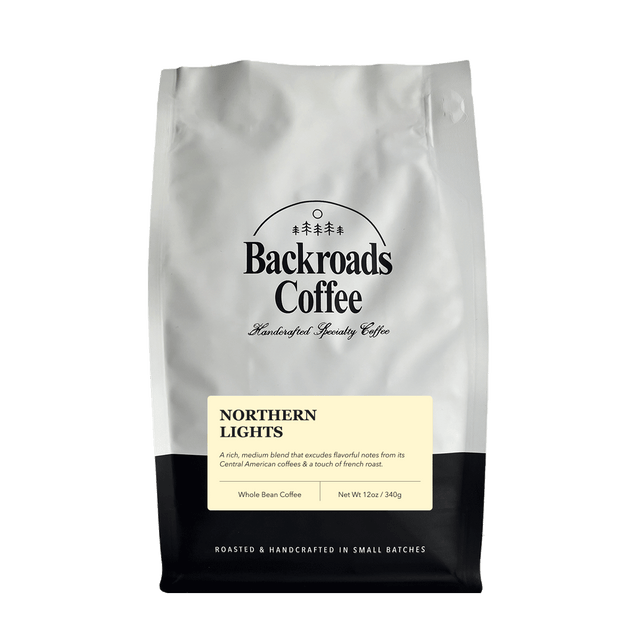 $15.95( / )
 -
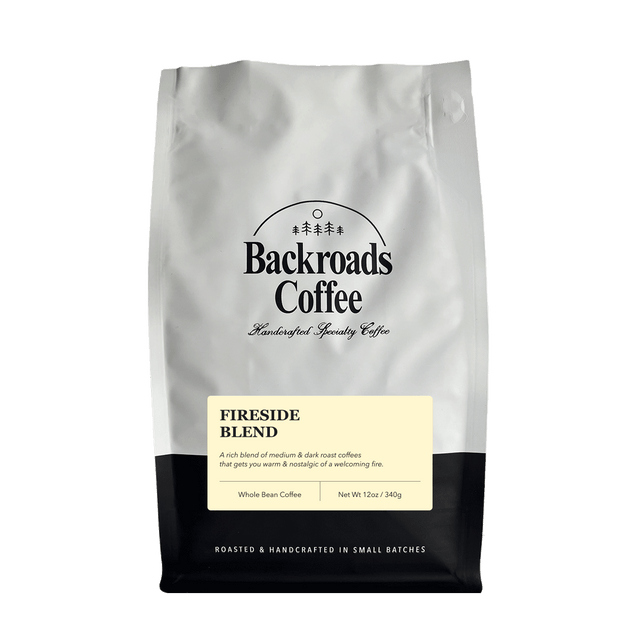 $15.95( / )
 -
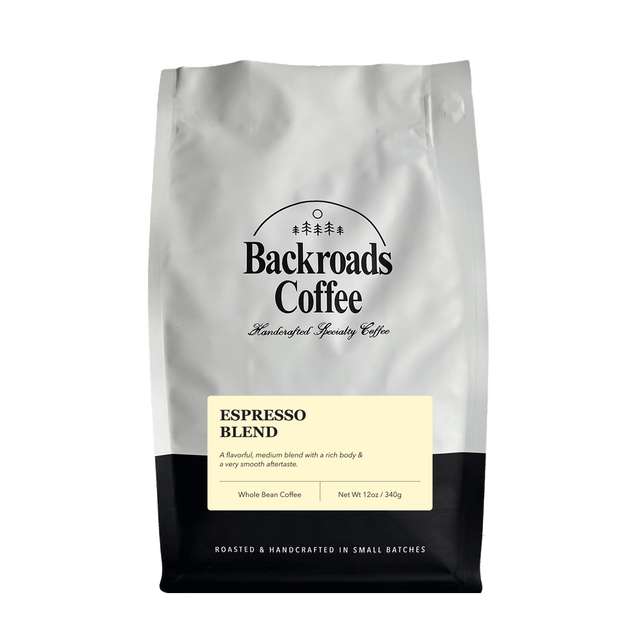 $15.95( / )
 -
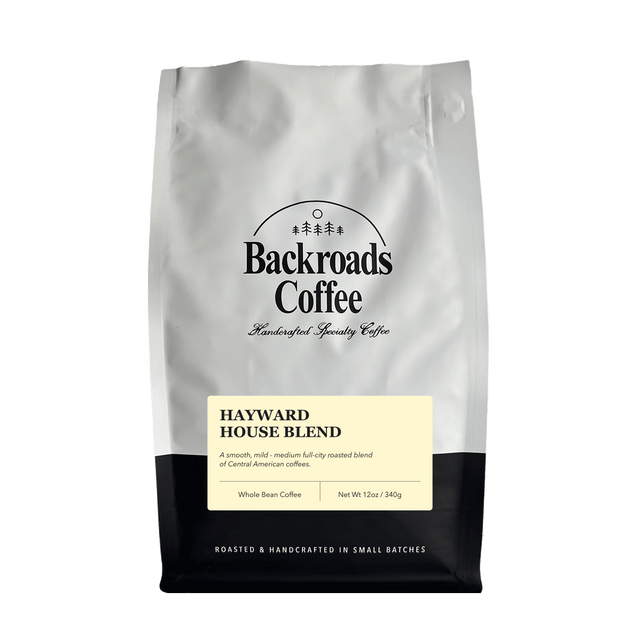 $16.00( / )
